Last month my nephew called me in a panic because his brand new gaming PC was stuttering in Warzone even though he’d just dropped money on an RTX 5070. First thing I asked him wasn’t about his GPU. It was “how much RAM did you put in it?”
Turns out he’d gone with 16GB because the guy at the store told him “that’s plenty for gaming.” Six months ago, maybe. Not anymore.
I’ve built and rebuilt probably a dozen gaming rigs over the years, and RAM is the one component people underthink the most. Everyone obsesses over the graphics card, argues about Intel vs AMD, and then throws in whatever memory kit is cheapest. I get it, RAM isn’t exciting. But it’s the difference between a smooth 100+ fps session and a game that randomly freezes for half a second right when you’re about to clutch a round.
So let’s actually talk numbers, because “it depends” isn’t a helpful answer when you’re about to spend your own money.
The Short Answer
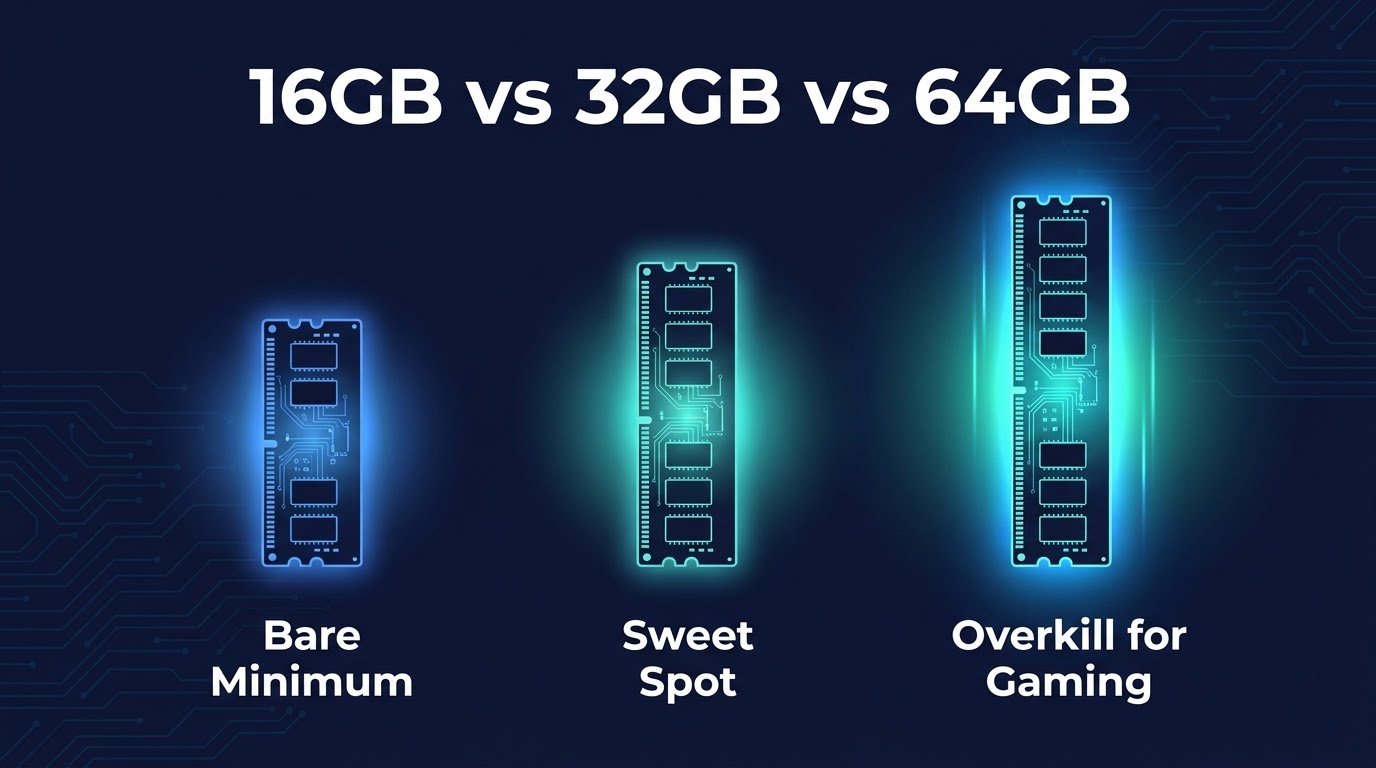
If you want it fast: 16GB is the bare minimum in 2026, and I’d honestly call it the floor, not a comfortable spot. 32GB is where most serious gamers should be. If you’re streaming, running Discord, OBS, a browser with 40 tabs, and Spotify while gaming (be honest, you are), 32GB is where things stop feeling tight.
64GB is overkill for pure gaming right now, but if you also edit video, run VMs, or do heavy multitasking, it’s not a waste.
Now let me actually explain why, because the “just get more RAM” advice without context isn’t useful either.
Why 16GB Isn’t Cutting It Anymore
I remember when 16GB felt like luxury. That was around 2018-2020. Games have changed a lot since then.
Modern titles like Call of Duty: Black Ops 6, Star Citizen, and even Cyberpunk 2077 with all its updates and mods are eating memory in ways older games never did. Textures are higher resolution. Open worlds are bigger and load more assets into memory at once. And background processes on Windows 11 have gotten heavier too.
Here’s what actually happens when you’re low on RAM: your system starts using your storage drive as overflow memory (this is called paging or using a swap file). Even on a fast NVMe SSD, that’s dramatically slower than actual RAM. You get stutters, texture pop-in, and sometimes full freezes for a second or two. It’s not that the game crashes, it’s that everything just briefly chokes.
I tested this myself on my own rig a while back, deliberately dropping down to 16GB to see what would happen running Baldur’s Gate 3 in Act 3 (which is notoriously memory-hungry) while Chrome and Discord were open. Frame times got noticeably inconsistent. Not unplayable, but that occasional stutter was enough to be annoying, especially in combat.
Why 32GB Is the Sweet Spot Right Now
When I upgraded my own main gaming PC from 16GB to 32GB (just two sticks of DDR5, nothing fancy), the difference wasn’t in average fps. My GPU was still doing the heavy lifting there. The difference was consistency. Frame times smoothed out. Alt-tabbing didn’t cause a half-second hitch anymore. Loading into a new zone in an open-world game felt snappier.
That’s the thing people miss about RAM. It’s not usually about raw frame rate numbers you see in benchmarks. It’s about smoothness and multitasking headroom.
If you’re someone who:
- Streams to Twitch or YouTube while gaming
- Keeps Discord, a browser, and Spotify open
- Plays modded games (Skyrim and Minecraft modpacks are RAM hogs)
- Runs newer AAA titles at high settings
…then 32GB stops being a “nice to have” and becomes the realistic standard. Most mid-range and high-end prebuilt PCs in 2026 are shipping with 32GB by default now, which tells you where the industry already landed on this.
When You Actually Need 64GB
I’ll be straight with you, most gamers do not need 64GB. I’ve got it in my workstation because I also edit video and run some virtual machines for testing software, not because my games need it.
You’d want 64GB if:
- You’re doing serious content creation alongside gaming (editing 4K footage, streaming with multiple overlays and scenes)
- You run several games or emulators simultaneously
- You use your PC for both gaming and professional work like 3D rendering or large Excel models with tons of data
For pure gaming, even the heaviest titles right now rarely use more than 20-24GB total including background Windows processes. So 64GB is future-proofing more than a current necessity.
Real Talk: What I’d Actually Buy Today
If someone handed me a budget right now and said “build me a gaming PC,” here’s how I’d think about RAM specifically:
Budget build (under $800 total): 16GB is acceptable but I’d try to stretch to 32GB if the budget allows even slightly, because RAM prices have actually been reasonable for most of 2026 compared to GPU prices.
Mid-range build ($1000-1800): 32GB, no debate. DDR5 kits are affordable enough now that skimping here to save $40 and put it toward the GPU isn’t worth the tradeoff in day-to-day smoothness.
High-end build ($2000+): 32GB minimum, 64GB if you do any content creation on the side.
Step-by-Step: Figuring Out What You Actually Need
Instead of just trusting some article (including this one, honestly), here’s how you can check your own situation:
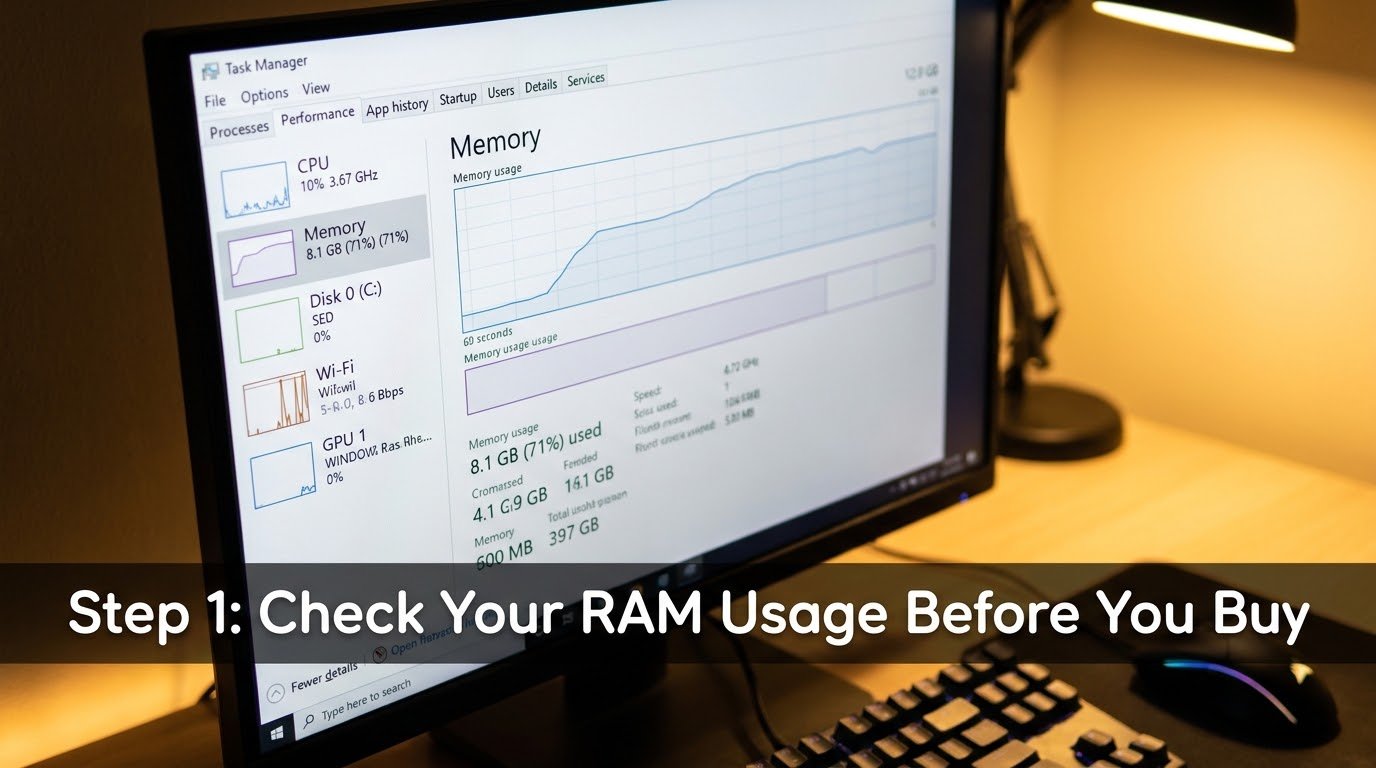
Step 1: Open Task Manager while gaming. Press Ctrl+Shift+Esc, click the Performance tab, then watch the Memory graph while you play your usual games with your usual background apps open.
Step 2: Note your peak usage. If you’re consistently hitting 80-90% of your total RAM, you’re going to see stutters eventually, especially in busier game scenes.
Step 3: Check what’s actually using it. Click over to the Processes tab and sort by Memory. You’ll probably be surprised how much Chrome, Discord, and background Windows services are eating on their own, separate from the game itself.
Step 4: Decide based on real data, not guesswork. If you’re maxing out 16GB regularly, upgrading to 32GB isn’t optional anymore, it’s just going to happen eventually. Might as well do it before it becomes a problem mid-match.
Mistakes I See People Make Constantly
Buying mismatched RAM sticks. Mixing different speeds or brands can cause instability or force your system to run at the slower speed of the two. Always buy RAM in a matched kit (like a 2x16GB kit) rather than two separate sticks bought at different times.
Ignoring RAM speed entirely. Capacity matters most, but speed matters too, especially on AMD Ryzen builds where memory speed directly affects performance more than on Intel. DDR5-6000 is a solid target for AMD systems right now.
Only running RAM in single-channel. This one trips up more people than you’d expect. If you only install one stick instead of two (even if the total capacity is the same), you lose significant performance because you’re not using dual-channel mode. Always populate at least two RAM slots.
Assuming more RAM fixes low fps. RAM smooths things out and prevents stutters, but if your GPU is the bottleneck, no amount of RAM will boost your frame rate. Know what you’re actually solving for before you spend money.
Skipping XMP or EXPO settings. Your fancy DDR5-6000 kit will run at a much slower default speed unless you enable XMP (Intel) or EXPO (AMD) in your BIOS. I’ve seen people leave free performance on the table for months without realizing this one setting existed.
Wrapping This Up
My nephew ended up grabbing a second 8GB stick to bring his system to 24GB while he saves for a proper 32GB kit, and the stuttering basically disappeared overnight. Sometimes the fix really is that simple.
RAM isn’t the flashy upgrade that gets people excited the way a new graphics card does. But it’s the quiet workhorse that determines whether your gaming sessions feel smooth or slightly janky in ways you can’t quite put your finger on. Get the capacity right, enable XMP or EXPO, use matched sticks in dual-channel, and you’ll genuinely notice the difference the next time you sit down to play.